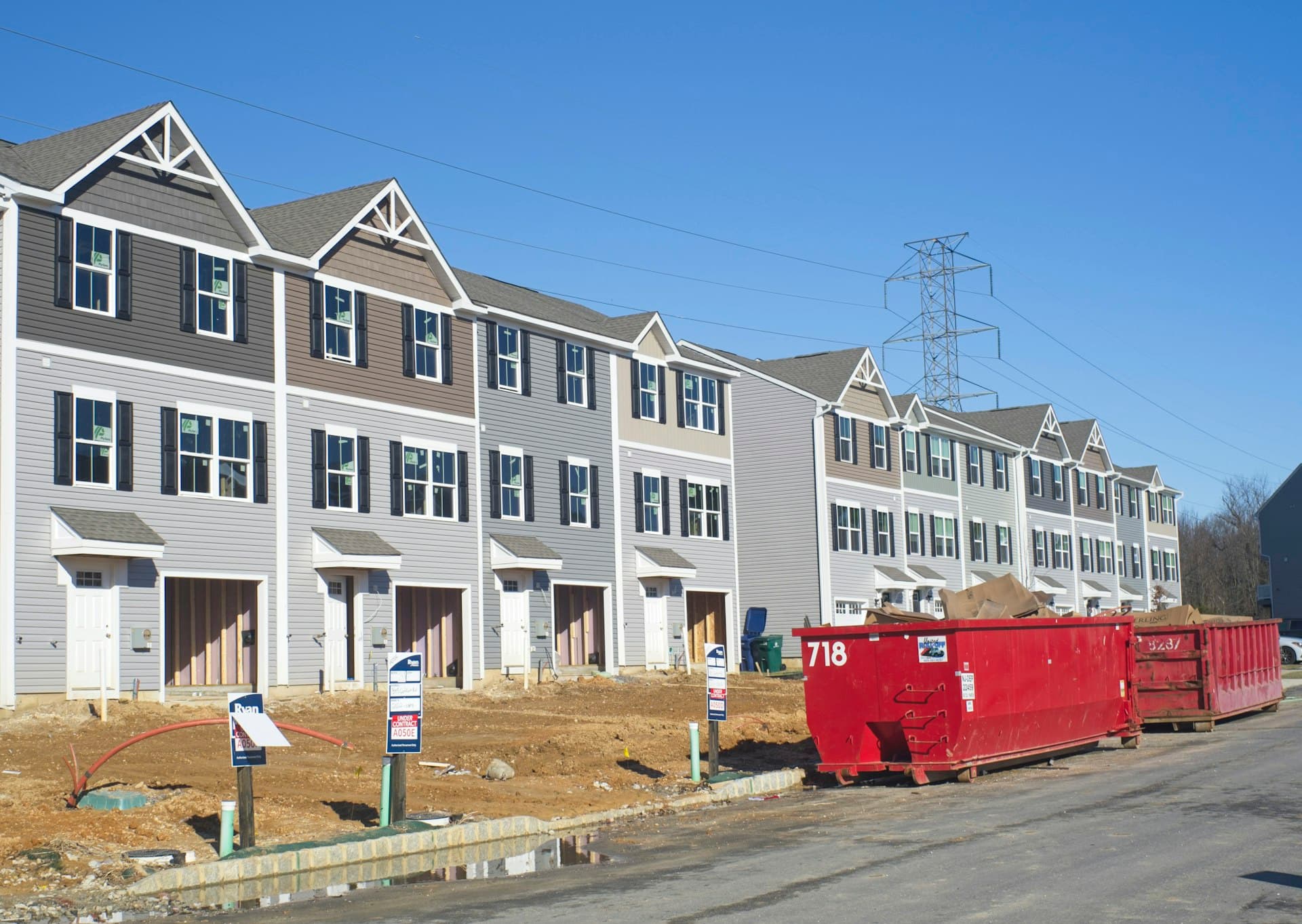
Solar-Ready Buildings Start with 3D Analysis
Design your building in 3D, analyze shadow impact on surroundings, and prove solar feasibility — before you break ground.
Without SunTrace3D
Solar assessment after construction
Most developers only consider solar after the building is designed, missing optimization opportunities.
Neighbor shadow complaints
New buildings casting shadows on existing properties causes planning disputes and delays.
Sustainability certification gaps
BREEAM, LEED, and local green building standards require solar feasibility evidence.
With SunTrace3D
Design-stage solar optimization
Configure your building's dimensions and roof type, then instantly see solar potential and shadow impact.
Shadow impact evidence
Generate shadow studies showing your building's impact on neighboring properties across all seasons.
ROI projections for investors
Present solar energy yield and financial returns to investors with professional reports and 3D visualizations.
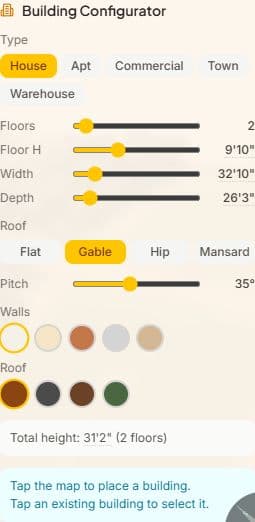
Building Configurator
Design buildings before they're built. Choose building type, dimensions, roof style, and materials. Place your design on the map and analyze shadow impact on surroundings.
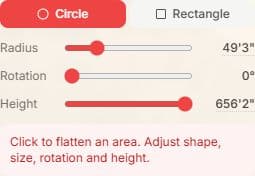
Terrain Modification
Modify terrain and remove obstructions to model your site as planned. Visualize how grading changes and tree removal affect sunlight access.
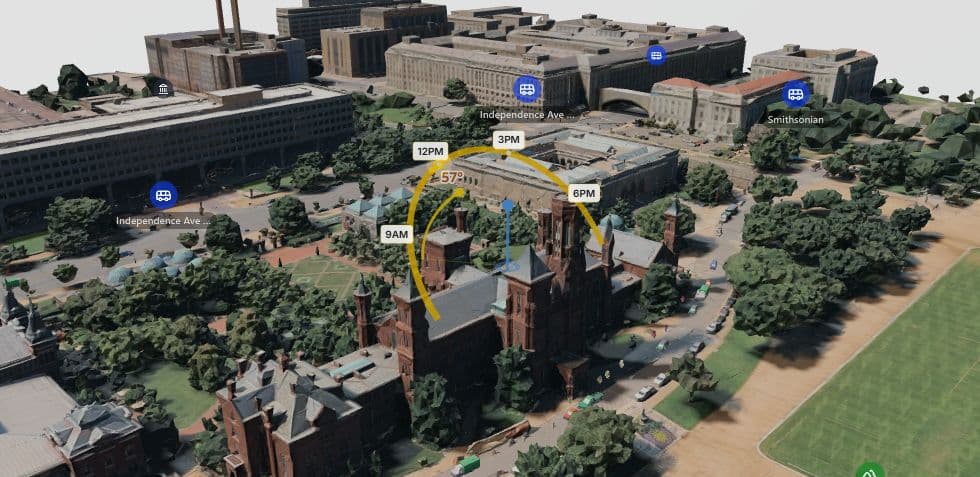
Real-Time Shadow Simulation
Scrub through any hour of any day to see exactly where shadows fall on your property. Watch how sunlight changes from sunrise to sunset across all four seasons.
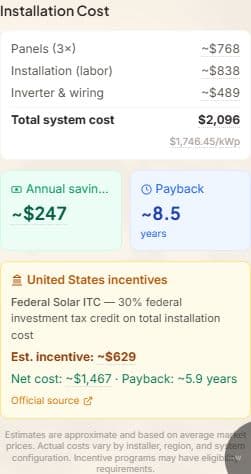
Cost & Payback Calculator
Calculate installation costs, government incentives, and payback period in your local currency. See exactly when your solar investment pays for itself.
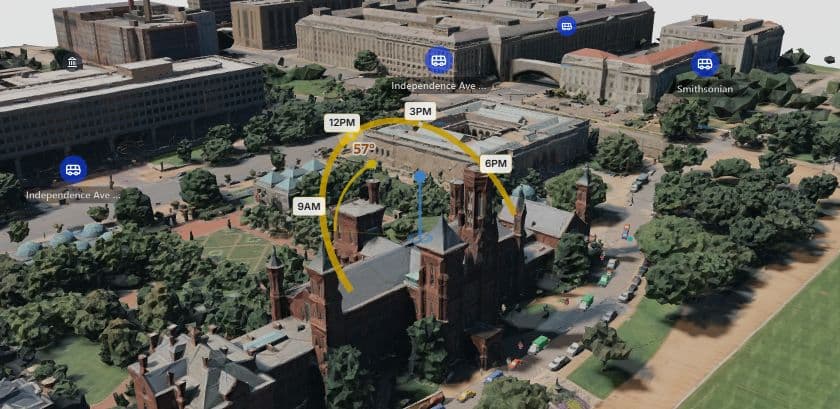
3D Measurement Tool
Measure distances between buildings, trees, and property boundaries in full 3D. Essential for setback calculations and shadow impact assessments.
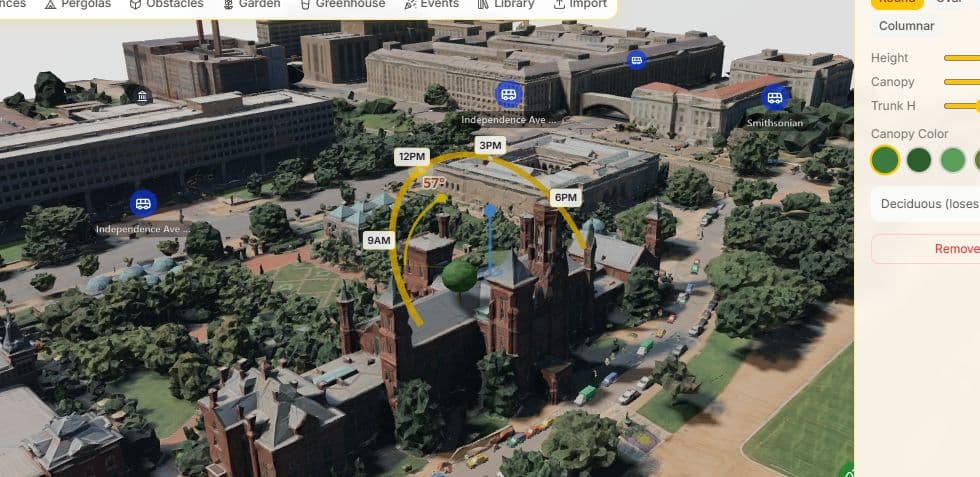
Scene Objects
Add trees, fences, pergolas, greenhouses, and other objects to the scene. See how each element affects sunlight and shadows on surrounding areas.
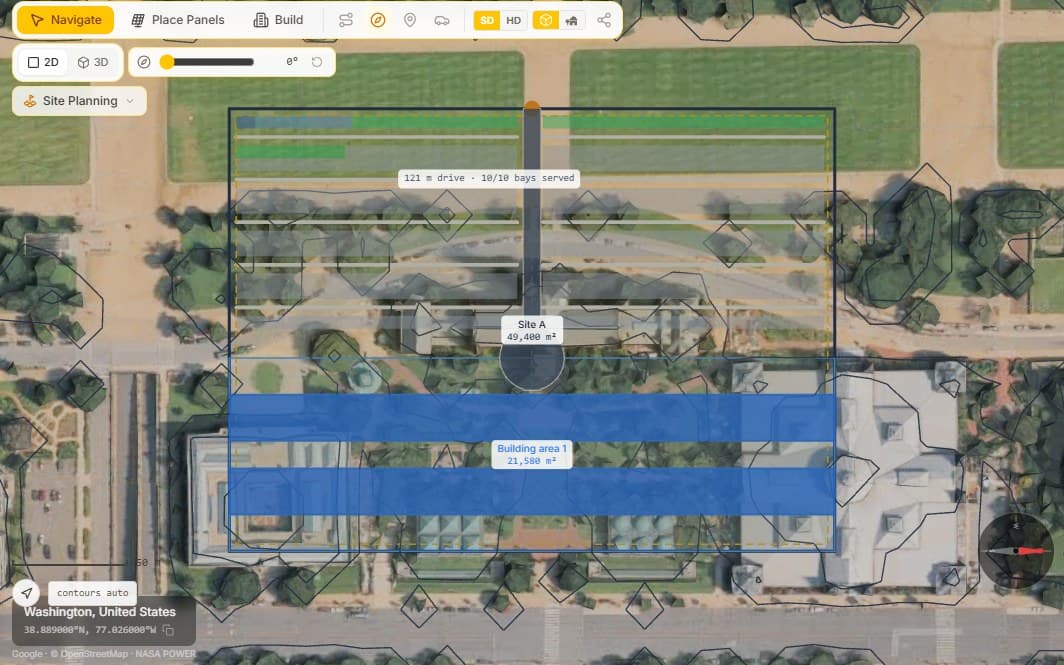
Site Planning & Feasibility
Draw a parcel and see what it yields — units, floor area, parking, cost and a zoning check — solved live on real 3D terrain. Business and Enterprise.
Explore Site PlanningSee It in Action
Draw a Building on an Empty Lot and Design Its Solar in 40 Seconds
Test-Fit a Development Site in 60 Seconds — Site Planning
How It Works
From address to sunlight analysis in under a minute
Choose Your Development Site
Load the site in 3D with surrounding buildings, terrain, and vegetation already in place.
Design & Place Your Building
Use the building configurator to model your development. Adjust dimensions, floors, and roof type.
Analyze Solar & Shadow Impact
See solar yield potential, shadow impact on neighbors, and generate financial projections for your development.
Frequently Asked Questions
Can I model multi-story buildings?
Yes. The building configurator supports up to 10+ floors with configurable floor height, width, and depth. You can model apartments, offices, warehouses, and townhouses.
Can I remove existing buildings to model demolition?
Yes. The bulldozer tool lets you remove existing structures and vegetation to model your site as planned after demolition or clearing.
Does it show shadow impact on neighboring properties?
Yes. The shadow simulation shows how your proposed building's shadow falls on all surrounding properties throughout the day and year.
Can I export evidence for planning applications?
Yes. Generate professional PDF reports with 3D shadow studies, sun path data, and solar feasibility analysis for planning submissions.
Does it support different building types?
Yes. You can configure houses, apartments, commercial buildings, townhouses, and warehouses with various roof types (flat, gable, hip, mansard).
Ready to analyze your development site?
Start free — no credit card needed